# Best AI video dubbing software: what to look for
> What the best AI video dubbing software should do, from voice cloning and editable translations to pricing, and how to test tools before you commit.
Guide · Published 2026-11-08
Canonical page: https://dubtitle.com/guides/best-ai-video-dubbing-software/
Search for the best AI video dubbing software and you will find dozens of lists, almost all of them ranked by whoever wrote them. A better approach is to know what a good tool does and test two or three with your own footage. This guide gives you the criteria, then explains how Dubtitle approaches each one.
## What good AI dubbing software does
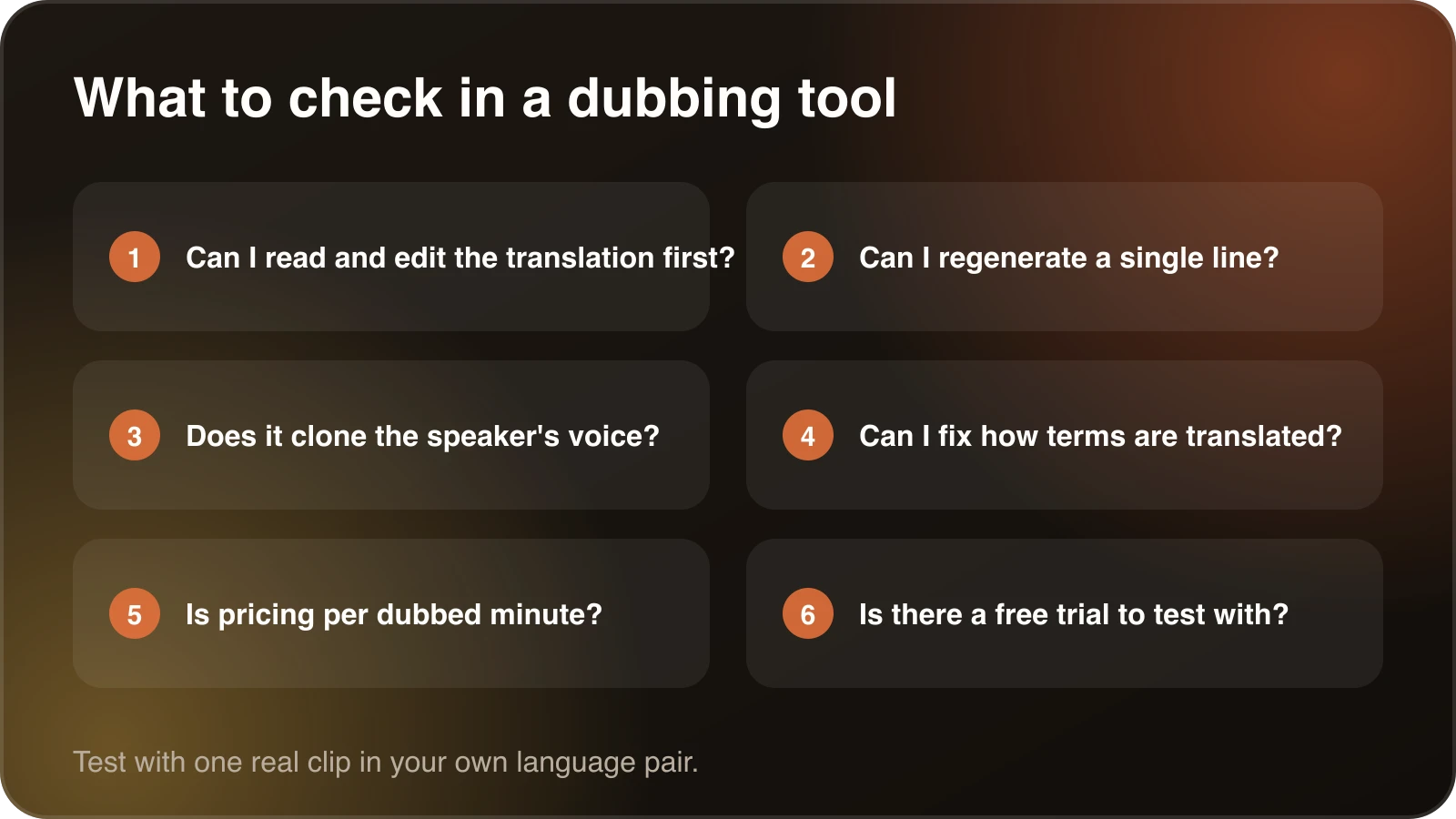
Six questions that separate tools quickly.
### 1. Accurate transcription
Everything starts with the transcript. If a name is misheard, it is mistranslated and spoken aloud. Look for tools that detect the source language and let you read the transcript before the voice is generated. [How AI video translators work](/guides/how-ai-video-translators-work/) shows why this stage matters most.
### 2. A natural voice
Robotic voices lose viewers. The best tools produce speech with natural pacing and emotion, and many can [clone the original speaker's voice](/guides/how-to-preserve-a-speakers-voice-when-translating-video/) so the dub still sounds like them. Dubtitle uses voice cloning to carry tone, emotion and speech patterns across languages. Listen to samples in your own target language, because quality differs between languages.
### 3. Editable translations
Machine translation is a first draft. You need to fix a product name, rewrite an idiom or change the formality. A tool that hands you a finished video with no way to edit is hard to trust. In Dubtitle's Studio you edit any line and regenerate only that segment, so you do not redo the whole video for one sentence.
### 4. Consistent terminology
If you dub many videos, the same term has to appear the same way each time. [Glossaries](/resources/ai-dubbing-glossary/) let you set that once. They matter most for courses, training and product content. See [consistent terminology across translated videos](/guides/consistent-terminology-across-translated-videos/).
### 5. Languages you actually need
A long language list is only useful if it includes your languages and the quality holds up. Dubtitle supports 84 languages. Test the ones you care about with a short clip, and ask someone who speaks the language to listen.
### 6. A simple workflow
Upload, choose a language, review and download should be the whole flow. If you need a technical setup or custom code to get a finished video, you are paying for a toolkit instead of a product. Dubtitle accepts MP4, MOV, AVI and MKV files and imports from YouTube, Vimeo and other platforms.
### 7. Pricing you can predict
Some tools charge by character, some by credit, some by video and some by minute. For a library, the useful number is the cost per finished minute per language. Dubtitle plans are sold by dubbed minute and start at $5 a month. [How much video dubbing costs](/guides/how-much-does-video-dubbing-cost/) shows how to work this out for your own volume.
## How to test the best AI video dubbing software
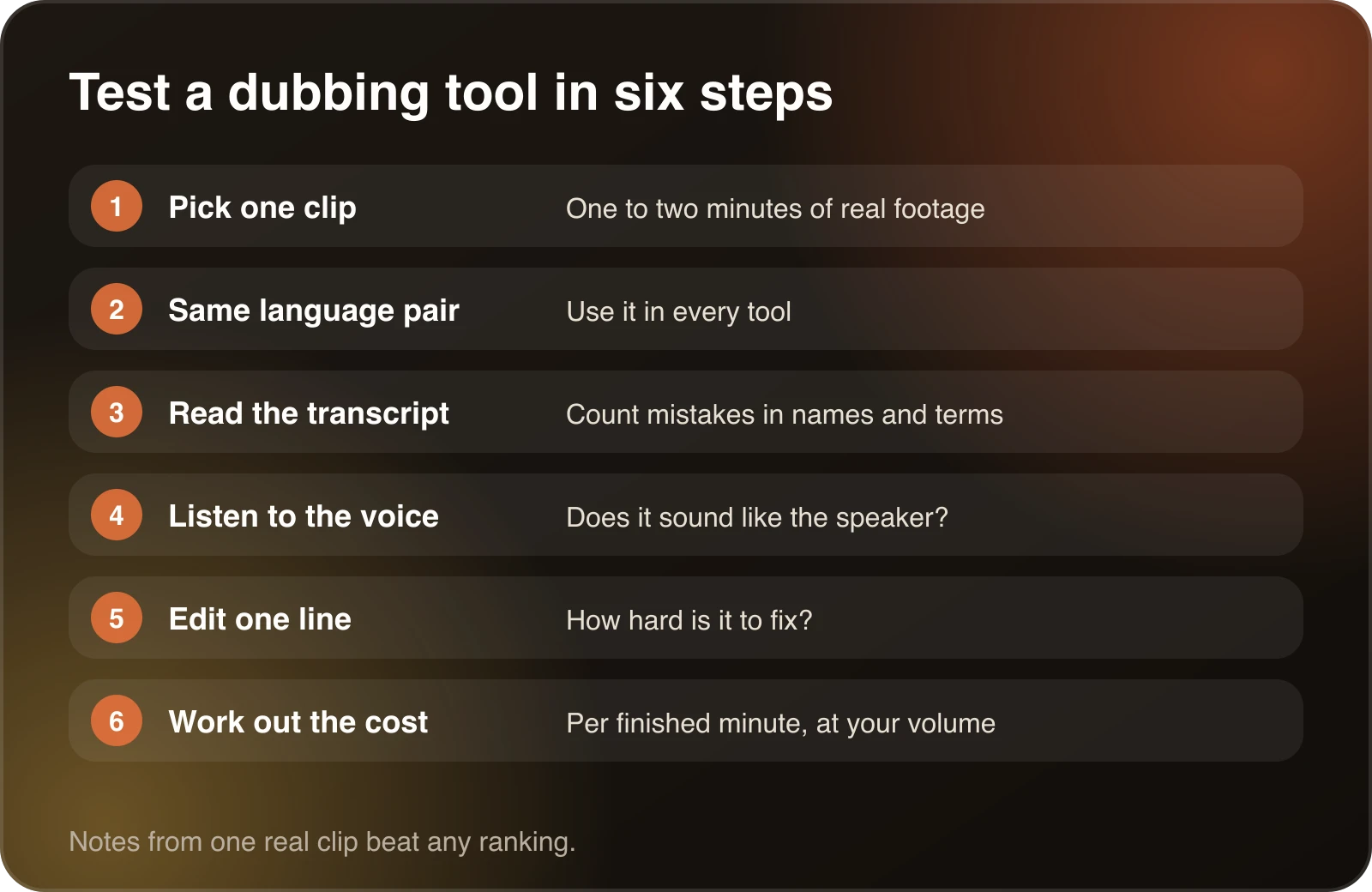
1. **Pick one real clip** of one to two minutes, with the kind of speech you usually record.
2. **Use the same language pair** in every tool. Otherwise you are comparing languages, not tools.
3. **Read the transcript** and count the mistakes in names and terms.
4. **Listen to the voice.** Does it sound like the speaker? Does the pacing fit the scene?
5. **Edit one line** and see how hard it is to fix.
6. **Work out the cost** per finished minute at your expected volume.
Dubtitle has a 7-day free trial with 5 minutes of dubbing for videos up to 60 seconds, with a watermark. That is enough for the test above. The longer scorecard in [best AI video translation tools](/guides/best-ai-video-translation-tools-2026/) covers more tool types.
The same test, run on every tool you shortlist.
## Who the software suits
**Creators.** Dub YouTube and channel videos in your own voice. Start with [AI dubbing for YouTube](/guides/ai-dubbing-for-youtube/).
**Filmmakers.** Distribute work to international audiences without the cost of a dubbing studio. Check the first minute of every language carefully.
**Marketing teams.** Localize campaigns for different markets. Treat taglines as new writing and ask a native speaker to review them.
**E-learning teams.** Make courses available to students worldwide. Terminology has to stay consistent, so set up a glossary first. See [how to localize online courses](/guides/how-to-localize-online-courses-for-international-students/).
## What goes wrong with weaker tools
Knowing the failure modes helps you spot them in a trial.
- **Flat voices.** Speech that lacks emotion and rhythm, so the video feels machine made.
- **Muffled or uneven audio.** The dubbed track sounds noticeably different from the rest of the video.
- **Small language lists.** A limited choice of languages caps your reach.
- **Hard-to-use interfaces.** Too many steps between upload and download.
- **No edit step.** Mistakes go straight to your audience.
None of these shows up in a feature list. All of them show up when you run a real clip, which is why the test above matters more than any ranking.
## What a good result sounds like
Play the first minute of the dub with the picture and your eyes closed halfway. Does the voice sound like a person explaining something? Do the pauses land where the speaker paused in the original? Do numbers, names and product terms sound right? If the answer is yes for the first minute, the rest is usually fine. If you find three mistakes in the first minute, expect more later and weigh that against the tool's editing features.
Keep notes as you test. A simple table with one row per tool and columns for transcript mistakes, voice quality, edit effort and cost per minute turns a vague impression into a decision. Revisit it in six months, because this market changes quickly.
## Dubbing versus other kinds of tool
Not every video translation tool does the same job. Avatar and lip-sync platforms re-render the speaker. Voice platforms generate speech. Dubbing platforms take a finished video and return the same video in another language. If you are weighing avatar tools, read the [HeyGen alternative](/guides/heygen-alternative-for-video-dubbing/) guide. If you are weighing voice platforms, read the [ElevenLabs alternative](/guides/elevenlabs-alternative-for-video-dubbing/) guide.
## Questions to ask any vendor
- Can I read and edit the translation before the voice is generated?
- Can I fix one line without redoing the video?
- Can I control how product names and terms are translated?
- How is usage counted, and what happens if I go over?
- Does the trial cover my languages, and is there a watermark?
- What are the rules on cloning a voice?
Only clone a voice you own or have permission to use, and only dub videos you have the right to translate.
## Where Dubtitle fits
Dubtitle is a good fit if you have footage and want a dubbed version with minimal setup, a review step you control and a price per minute you can predict. It is not an avatar or lip-sync tool. If you want to see how it works, [pricing](/pricing/) lists every plan, and every paid plan has a 30-day money-back guarantee.
## Frequently asked questions
### What makes the best AI video dubbing tool?
The best tool for you transcribes your audio accurately, lets you edit the translation, generates a natural voice, handles your languages and costs a predictable amount per dubbed minute. Test with your own footage.
### What makes Dubtitle a good choice?
Dubtitle offers voice cloning, emotion and speech pattern preservation, a Studio editor for individual lines, glossaries for consistent terms and plans sold by dubbed minute, in 84 languages.
### How does Dubtitle compare with ElevenLabs?
Both can dub video. Dubtitle is built around video, with a Studio editor and plans sold by dubbing minutes. See the ElevenLabs alternative guide for details.
### Is Dubtitle a good option for a small YouTube creator?
Plans start at $5 a month with a 7-day free trial, which keeps the cost low for a small channel.
### Can I customize the dubbed audio?
You can edit any translated line in Studio and regenerate the segment. Glossaries control how terms are translated.
### Which other tools should I compare?
Compare on your own footage and languages. The guide to AI video translation tools and the HeyGen alternative guide cover the main kinds of tool.