Consistent terminology across translated videos
Why the same term gets translated three different ways, and how to build a glossary and review process that keeps a whole video library consistent.
6 min read
Picture a student halfway through a translated course. In lesson two, the instructor talks about “the pipeline.” In lesson five it’s “the workflow.” In lesson nine, “the flow.” Same idea, three words. The student isn’t sure whether they’re three different things, so they pause the video and look it up.
That tiny moment of doubt is what inconsistent terminology costs you. Nobody complains about it. Viewers just quietly trust the material a little less.
It’s also entirely preventable, and it’s one of the few problems in video translation where a bit of process makes a very large difference.
Why it happens
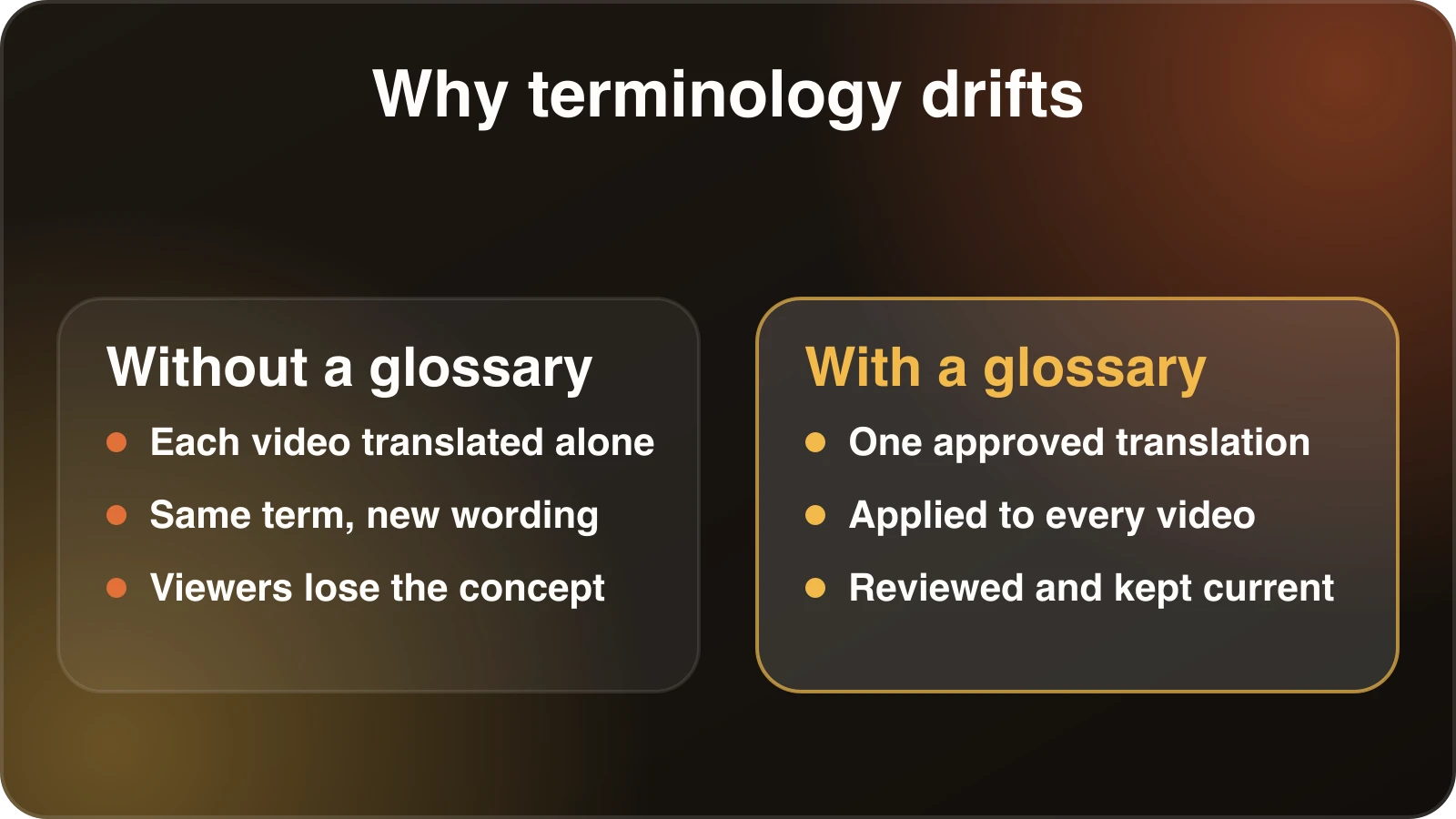
Translation systems, human or machine, work on context. When they translate “pipeline” in lesson two, they pick a reasonable word. When they meet it again three weeks later in a separate file, they have no memory of the earlier choice, and they may pick a different reasonable word.
Several other things make it worse:
- Videos are translated in pieces. Each file is its own job. Terms don’t carry over.
- Synonyms are normal in the source. Presenters vary their language to avoid repetition. A translator may then pick distinct words for what you consider the same idea.
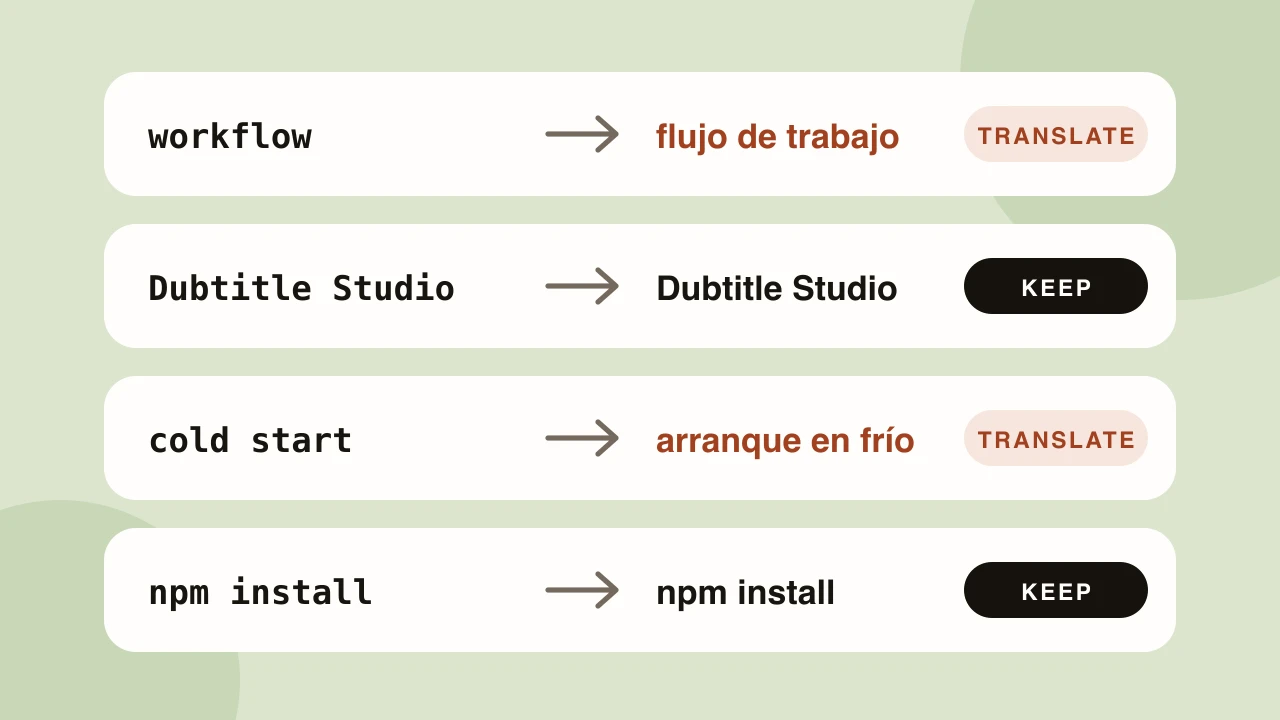
- Names and brands. Is “Studio” a product name to keep, or a common noun to translate? Without guidance, the answer will vary.
- Homonyms. “Bank” next to a river and “bank” with money. “Table” in a database and a table in a restaurant.
- Multiple reviewers. If different people fix different videos, their preferences diverge.
The three kinds of terms
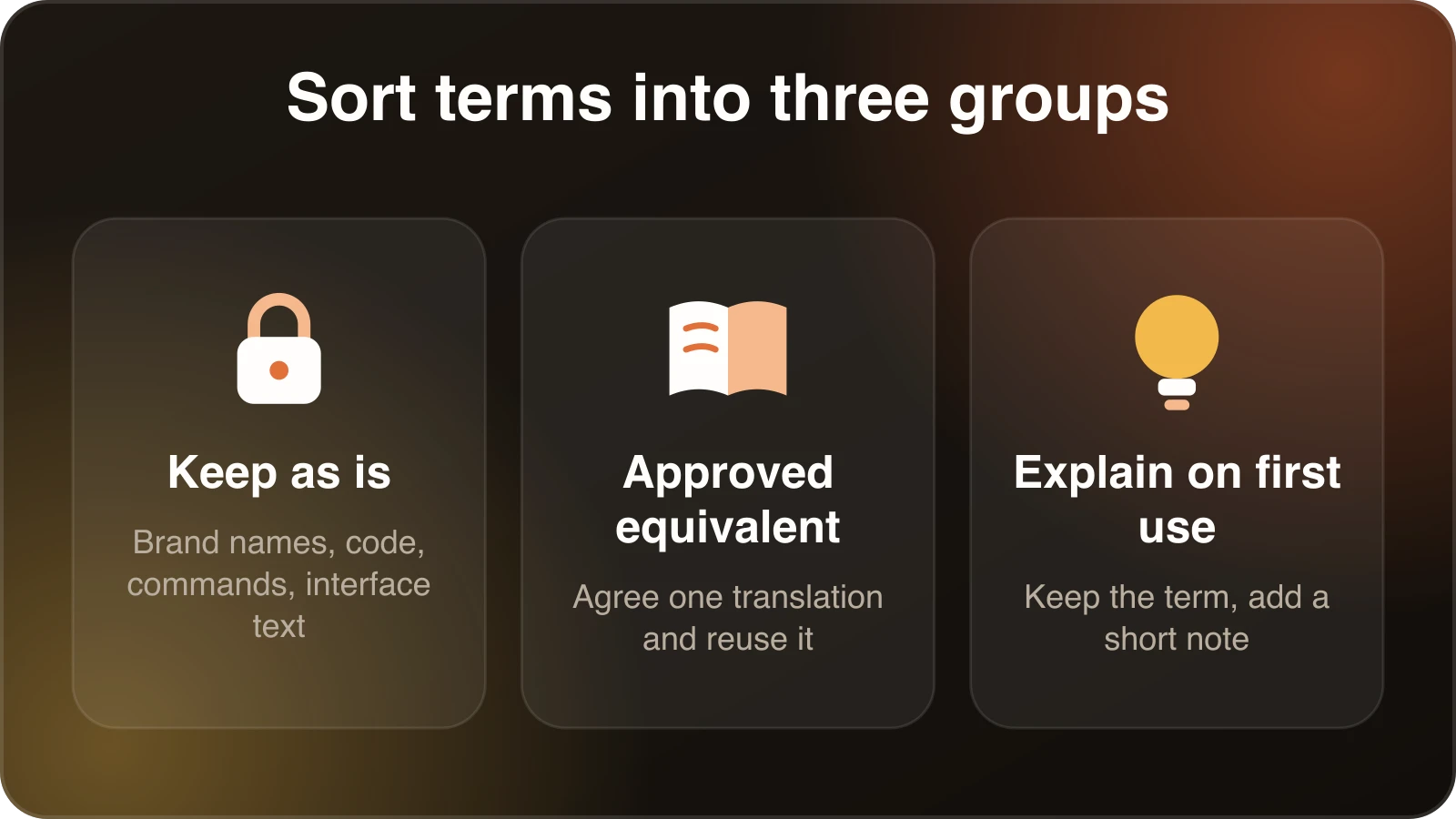
When you build a list, it helps to sort terms into three groups, because each needs a different rule.
Keep as is. Brand names, product names, feature names, code identifiers, commands, and anything that appears in the interface the viewer will see. If your product’s menu says “Export,” and the viewer needs to click it, the dub should say “Export” even if the rest is in Japanese.
Translate to an approved equivalent. Concepts that have a standard term in the target language. “Cash flow,” “dependency injection,” “informed consent.” Here you want one agreed translation, ideally the one practitioners in that market actually use.
Explain on first use. Terms with no good equivalent. You might keep the English term and add a short explanation the first time it appears.
Most lists have a lot of the first type, a medium amount of the second, and few of the third.
Build the glossary
A translation glossary is a list that tells the system how specific words and phrases must appear in a given language. It’s the core tool for this problem. Here’s how to build one that works.
1. Start from your existing material
Don’t invent terms from scratch. Pull them out of what you’ve already made:
- Skim transcripts and note terms used repeatedly.
- Look at the course outline, documentation or product UI.
- Check your own style guide or brand guidelines, if you have them.
- Ask your support team which terms cause confusion.
Aim for the 30 to 100 terms that matter most, not a thousand. A short, accurate list is used. A giant one isn’t.
2. Prioritise terms whose mistranslation changes meaning
If a wrong translation would confuse a viewer or alter the meaning, it goes first. Decorative words and common vocabulary can wait.
3. Include phrases, not just single words
Multi-word terms often mean something specific. “Skills-based treatment,” “single source of truth,” “cold start.” Translating each word separately gives nonsense. Add the whole phrase.
4. Get the target-language terms from the right person
This is the step where glossaries succeed or fail. The target term should come from a subject-matter expert who is also a native speaker, ideally someone who works in that field in that country. A dictionary gives you a word. A practitioner gives you the word people use.
Also check regional differences. A term common in Mexico may be unusual in Spain.
5. Keep one glossary per language pair
English to Spanish and English to German are separate lists. Don’t try to merge them. Keep the source term in one column and each language’s approved term beside it, then load the relevant list per job.
6. Record context when it matters
For homonyms, add a note. “Table (database)” vs “table (furniture)”. A line of context prevents the wrong entry being applied.
Use it in your dubbing workflow
In Dubtitle, glossaries are available on the Creator plan and above. You define how terms should be translated, including terms that should remain unchanged, and the system applies those choices when it translates and dubs. The glossary guide goes through the mechanics.
A workflow that works well:
- Create the glossary from your term list before dubbing the first video.
- Dub one representative video.
- Review the result in Studio, paying special attention to your terms.
- Add anything missing, and correct anything that came out wrong.
- Dub the rest of the library.
- After each batch, add new recurring terms.
The glossary improves every time. By the tenth video, review gets noticeably faster.
Review for consistency, not just correctness
Even with a glossary, do a consistency pass at the end of a batch.
Search the transcripts. If you can export the translated text, search for your key terms and variants. Seeing every instance side by side makes inconsistencies obvious.
Check near-synonyms. If your glossary says “workflow” is “flujo de trabajo,” look for “proceso” or “flujo” showing up in the same role.
Check capitalisation and spelling. Brand names written two ways, hyphenation, and accented letters.
Check numbers and units. Metric against imperial, date formats, decimal commas versus points, currency symbols.
Listen to pronunciation. A term that’s written correctly can still be read aloud wrongly, especially acronyms and brand names. If one is mispronounced, adjust the spelling in the line to guide it, then regenerate that line.
Keep it alive
A glossary is not a one-off deliverable. Treat it like code or documentation.
- Give it an owner. One person decides when a term changes.
- Date the changes. Note when and why an entry was altered.
- Add terms as you go. Every time a reviewer corrects something twice, it belongs in the list.
- Review it with native speakers periodically. Usage shifts, and a term that was current two years ago may now sound dated.
- Share it. Customer support, marketing, documentation and video teams should all use the same entries. Consistency across channels matters as much as consistency within videos.
Common mistakes
Making the list too long. Nobody maintains 2,000 entries, and conflicting ones sneak in.
Using machine-translated entries unreviewed. That bakes in whatever error the machine made, now with authority.
Forgetting inflection. Some languages change word endings depending on grammar. A good translation system handles this, but check that your term works in a sentence, not only on its own.
Ignoring the interface. If the viewer sees a localized product UI, match its terms exactly. If the UI stays English, keep the English in the dub.
Not testing. Dub a short clip using the glossary and read the output. Mistakes show up quickly.
Where this matters most
Consistency pays back fastest in content that viewers study rather than watch: technical tutorials, online courses, compliance and safety training, medical or legal explainers, and product onboarding. In those, a term is a handle. If the handle keeps changing shape, people lose their grip. For a one-off entertainment video, you can be looser.
If you want to see how a glossary behaves on real footage, start a free trial with a clip that’s heavy on your own vocabulary.
Frequently asked questions
Why does the same term get translated differently across videos?
Each video is translated on its own, and many words have several valid translations. Without an approved term list, the translator or AI picks whichever fits the sentence, so the same term drifts between lessons.
What is a translation glossary?
A translation glossary is a list of approved source-to-target term pairs. It tells the translator, human or AI, exactly how product names, technical terms and brand phrases must appear in each language.
How do I keep terminology consistent across a video library?
Build one glossary per language pair, start with the terms that would confuse viewers if mistranslated, apply it to every video, and add new recurring terms after each review.
Which terms should go in a glossary first?
Product and brand names, technical vocabulary, acronyms, recurring phrases with a specific meaning, and anything you want left in the original language.
Does Dubtitle support custom glossaries?
Yes. Custom translation glossaries are available on the Creator plan and above, and are applied during translation before the dub is generated.