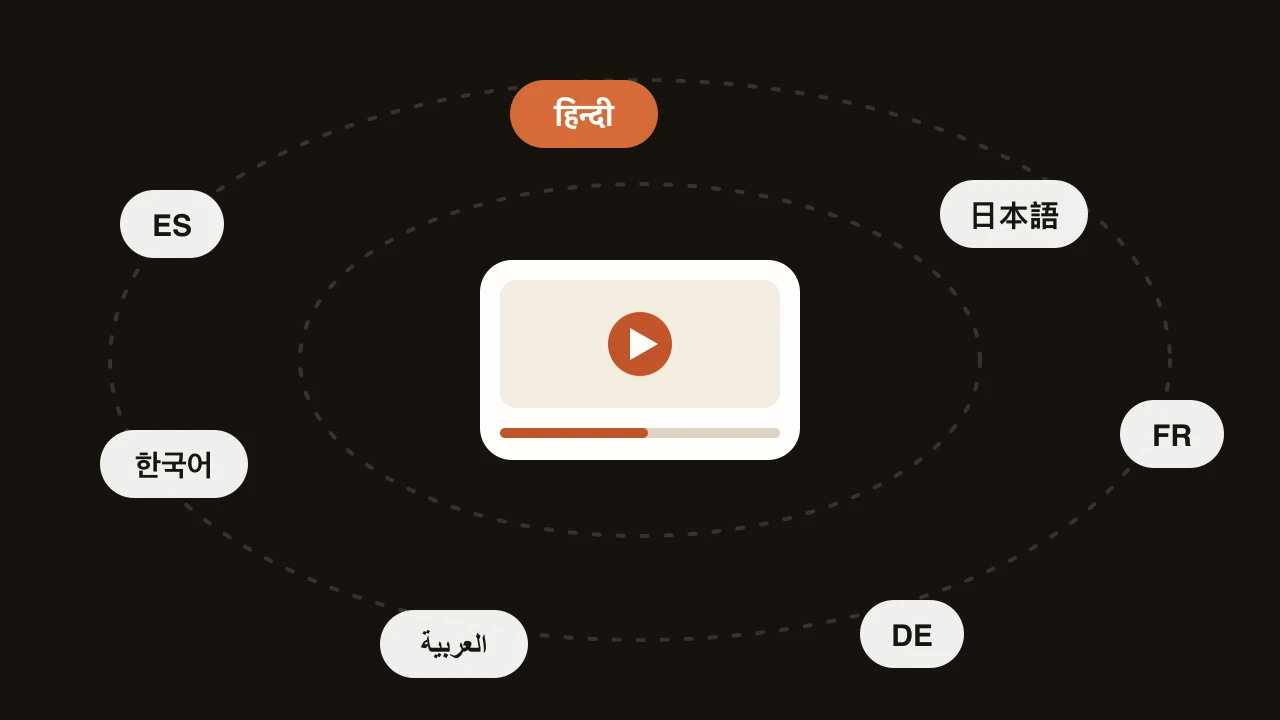
How to dub a YouTube video into Hindi
A practical walkthrough for dubbing a YouTube video into Hindi, from checking your source audio to fixing awkward lines and uploading the finished track.
6 min read
If you make videos in English and your analytics show viewers in India, you already know the problem. People click, listen for a few seconds, and leave. Hindi is spoken by hundreds of millions of people, and a large share of them would happily watch your video if they didn’t have to work at it. A Hindi dub removes that work.
This guide walks through the whole job: preparing the video, dubbing it, reviewing the Hindi properly, and getting it back onto YouTube. Most of the effort that matters happens in two places, before you start and while you review. The dubbing itself is the quick part.
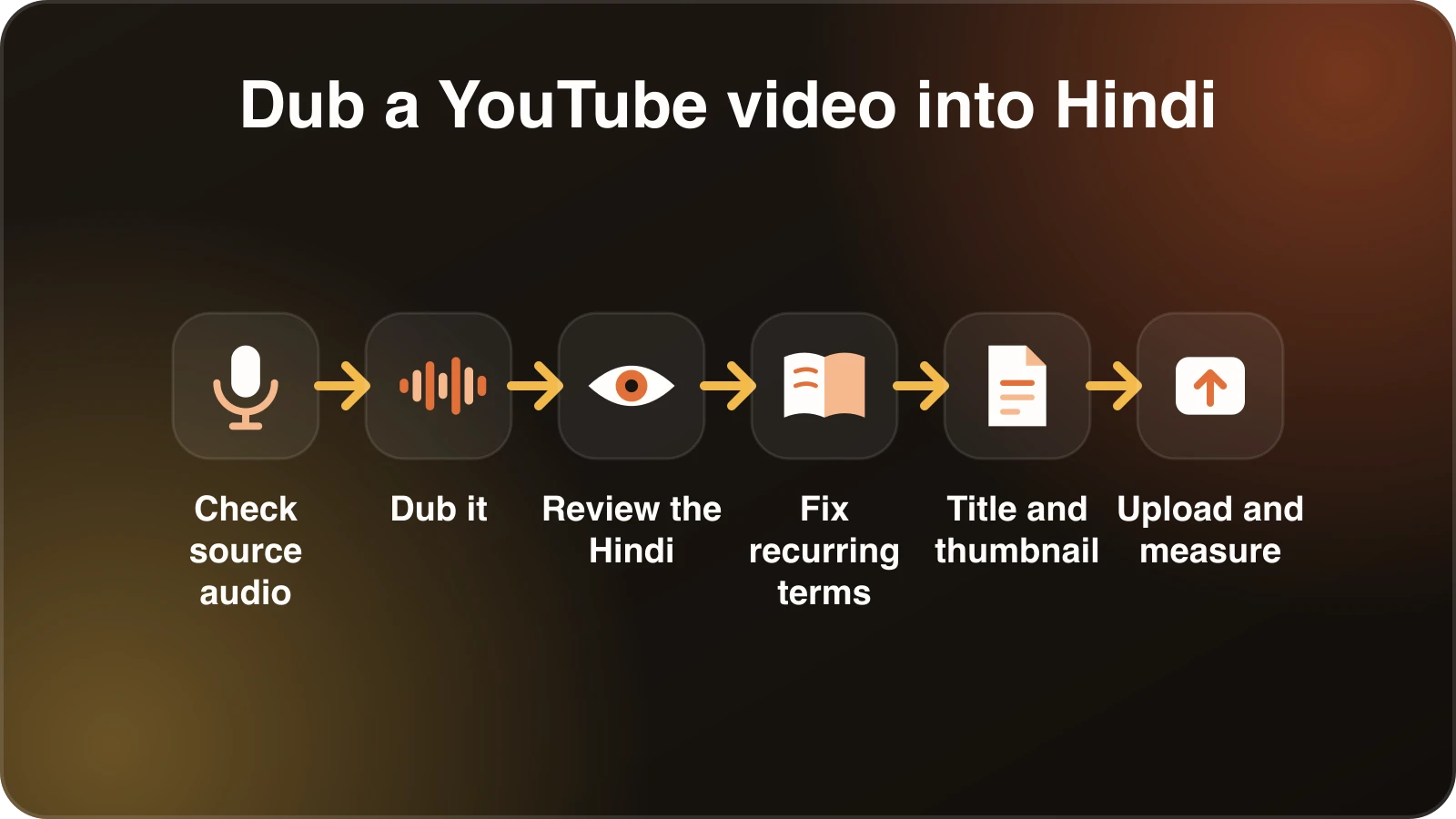
Decide what you are actually making
There are two ways to put Hindi on a YouTube video, and they are not the same product.
The first is a separate Hindi upload: a second video, maybe on a second channel, with its own title, thumbnail and comments. This is the more predictable route. You control the packaging, and a Hindi-speaking viewer who searches in Hindi can find it.
The second is a extra audio track on your existing video. YouTube supports multiple audio languages for videos, but availability depends on your channel, and the menus have changed more than once, so check YouTube Help for what your account shows today rather than trusting any tutorial, including this one. When it works, viewers switch language from the settings menu and your watch time stays on one video.
Neither is wrong. If you’re testing whether Hindi is worth your time, a separate upload is easier to measure. If you already know it is, audio tracks keep things tidy.
Check your source audio first
A dub can only be as good as the transcript it starts from, and the transcript can only be as good as the audio. Before you upload anything, play the video once with headphones and listen for three things.
Background music that competes with speech. A quiet bed is fine. Music that sits at the same volume as your voice makes the speech harder to separate, and mistakes there turn into mistranslations.
Crosstalk. Two people speaking over each other is hard for any system, and for human transcribers too. If your video is an interview, expect to do more review.
Unclear terms. Product names, people’s names and jargon are where transcription slips. Make a short list now. You’ll use it later.
If the audio is clean, move on. If it isn’t, it’s usually faster to fix it at the source than to fix the Hindi line by line afterwards.
Dub it
In Dubtitle you can upload the file or paste the link, choose Hindi as the target language, and start the job. Formats like MP4, MOV, AVI and MKV all work. Processing typically takes somewhere between 2 and 10 minutes, depending on length.
While it runs, it’s worth knowing what is going on under the hood, because it explains where problems come from. The system transcribes the original speech, translates the transcript, then generates Hindi speech that is timed to fit where the original speaker was talking. If you turn on voice cloning, the Hindi voice is modelled on the original speaker rather than being a generic narrator.
Which brings up a practical point about length. Hindi sentences often come out a little longer than English ones carrying the same meaning, so the dubbed line has to be spoken slightly faster, or the translation tightened, to fit. If you want an early read on how tight a script is, the speaking time calculator gives a rough sense of how long a block of text takes to say. It won’t replace listening, but it helps when you’re deciding whether a long explanation needs trimming at the source.
Review the Hindi like a viewer would
This is the step people skip, and it’s the one that separates a dub that feels native from one that feels like software.
Open the project in Studio and read the translated transcript from the top. You don’t need to be a linguist. You need to notice when a sentence doesn’t sound like something a person would say. A few things to look for:
- English that stayed English. In real Hindi speech, people use English words all the time, especially for technology: “app”, “update”, “subscription”. That is natural. What isn’t natural is an English word where a perfectly common Hindi word exists, or the reverse, a stiff, formal Hindi word where everyone would say the English one. Decide what your audience actually says.
- Register. Hindi has formal and informal ways of addressing the viewer (आप, तुम, तू). A tutorial for professionals should almost always use आप. A casual vlog can be warmer. Check that the whole video stays consistent.
- Idioms. “Hit the ground running” will not survive a literal translation. When you find these, rewrite the English meaning, not the English words.
- Numbers, dates and currency. Check that figures are read out the way your audience would say them.
If you aren’t confident in your own Hindi, send the transcript to a native speaker and ask for line edits. It’s a small favour compared to publishing something that makes viewers wince. Studio lets you edit any line inline and regenerate only the lines you changed, so a reviewer’s fixes don’t mean starting over.
Spend the most attention on the first minute. Viewers decide quickly whether a dub is worth sticking with, and that’s also where you’ll learn whether your terminology is landing.
Fix recurring terms once
If your video keeps using the same phrase, say a product feature name, you shouldn’t be correcting it at every occurrence. Set up a translation glossary that says how each term should appear in Hindi, including terms that should stay in English. Glossaries are available on the Creator plan and up. The payoff compounds: the second video you dub needs less review than the first.
Handle the title, description and thumbnail
People forget that a dubbed video still has English packaging. Translate the title and description into Hindi, and write them for how people search, not as word-for-word translations. If your thumbnail has text on it, make a Hindi version. An English thumbnail on a Hindi video quietly tells viewers it wasn’t made for them.
Upload and measure
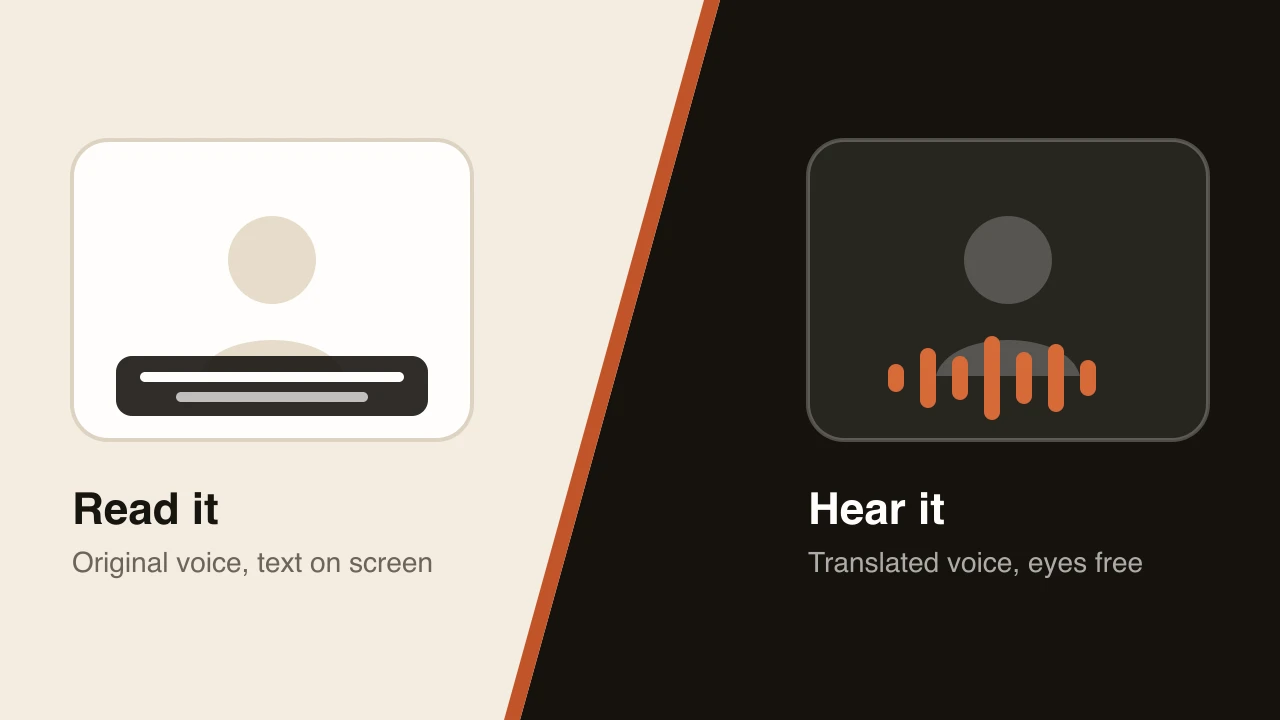
Download the dubbed video, upload it, and add Hindi subtitles if you can. Plenty of viewers watch with sound off, and a subtitle file is cheap. If you only have an English subtitle file, the SRT converter can help with the format side.
Then give it time. Look at three numbers over the next few weeks: average view duration compared with your English version, where viewers drop off, and the share of views from India. One video is a sample, not a verdict. Dub a handful before deciding whether the channel is worth continuing in Hindi.
A short checklist
- Listen to the source audio and fix anything that muddies speech.
- Write down your product names, jargon and anything that should stay in English.
- Dub with voice cloning if you want it to sound like you.
- Read the Hindi transcript in Studio and fix register, idioms and numbers.
- Add recurring terms to a glossary.
- Translate the title, description and thumbnail text.
- Publish, then compare watch time to your English original.
If you want to try this on a real video, the AI dubbing page explains what Dubtitle does with a link, and you can start a free trial to dub a short clip. The trial covers 5 minutes of dubbing, up to 60 seconds per video, with a watermark, so pick the most representative minute of your best video rather than the intro.
Frequently asked questions
How do I dub a YouTube video?
Download or import your video, choose the target language, let the AI transcribe, translate and generate the dubbed voice, review the translation, then download the new audio or video and upload it to YouTube. This guide walks through each step for Hindi.
Can I dub a YouTube video into Hindi with AI?
Yes. AI dubbing tools transcribe your speech, translate it into Hindi and generate a Hindi voice track, often in your own cloned voice. Always have a Hindi speaker review the result before you publish.
Should I upload the Hindi dub as a new video or an audio track?
YouTube supports multiple audio tracks on supported channels. If yours does not, upload the dub as a separate video, ideally on its own channel or with a Hindi title and description.
How long does it take to dub a YouTube video?
Most videos process in a few minutes with Dubtitle, depending on length. Reviewing and fixing the translation takes longer than the dub itself, so plan time for it.
Do I need subtitles as well as a dub?
Not required, but a Hindi subtitle file helps viewers who watch without sound and improves accessibility. You can convert and check subtitle files with the free SRT converter.