AI video translation tools compared: how to choose in 2026
The four kinds of AI video translation tool, what to compare before you pay, and a short test you can run on your own footage to pick the right one.
6 min read
Disclosure first: we make Dubtitle, one of the tools in this space. So this isn’t a ranked list with a winner at the top, and we haven’t run a controlled benchmark of every competitor. Those lists are everywhere, and most are written by the vendor who happens to come first.
What we can offer is more useful if you’re about to spend money: a way to tell the categories apart, the questions that expose weak products, and a test you can run in an afternoon on your own video. Prices and features in this market change monthly, so treat any comparison table, ours included, as a starting point and check current pricing pages.
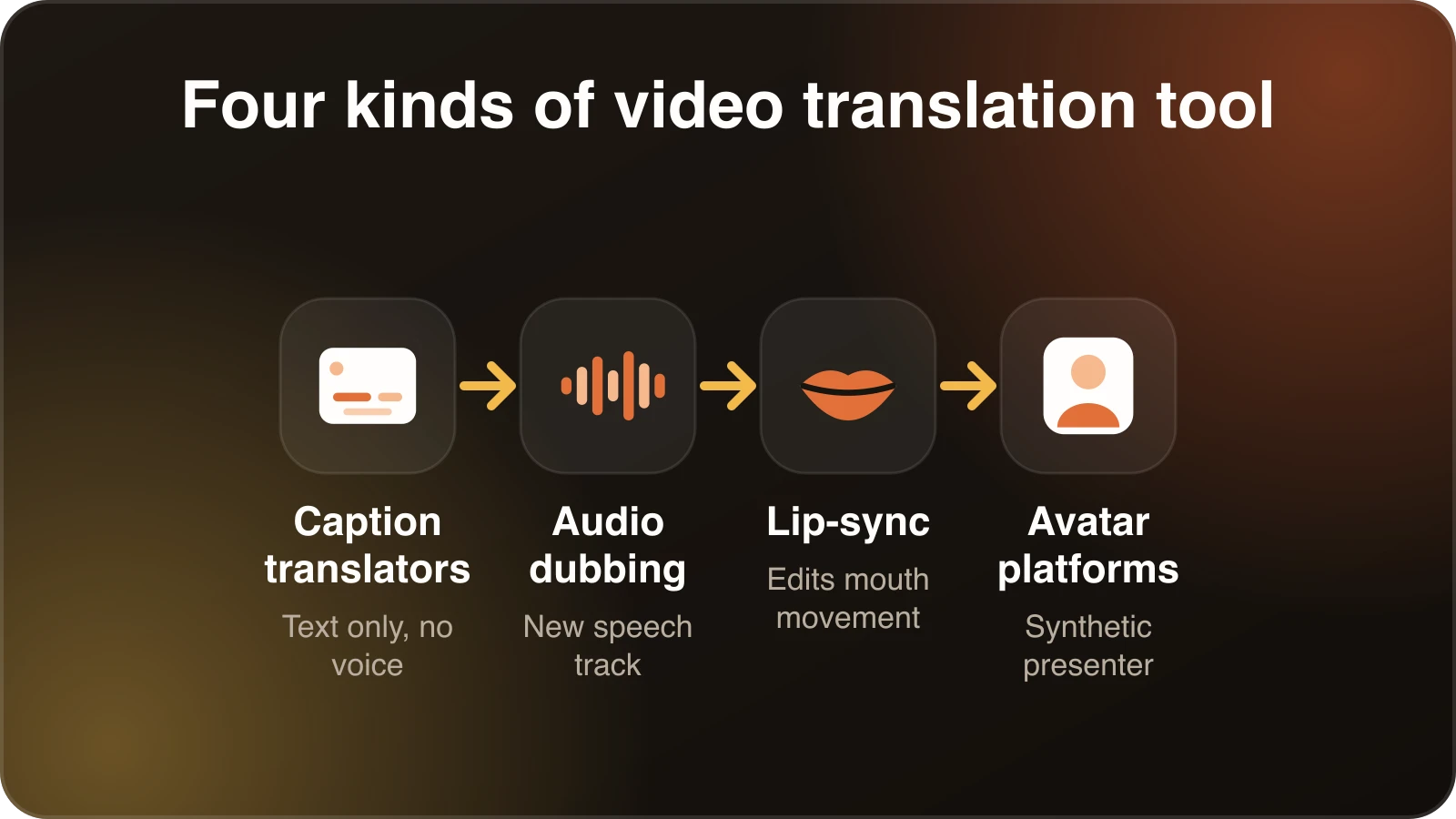
The market has four kinds of tools
When people search for an AI video translator they get results from products that solve different problems. Lumping them together is how people end up with the wrong tool.
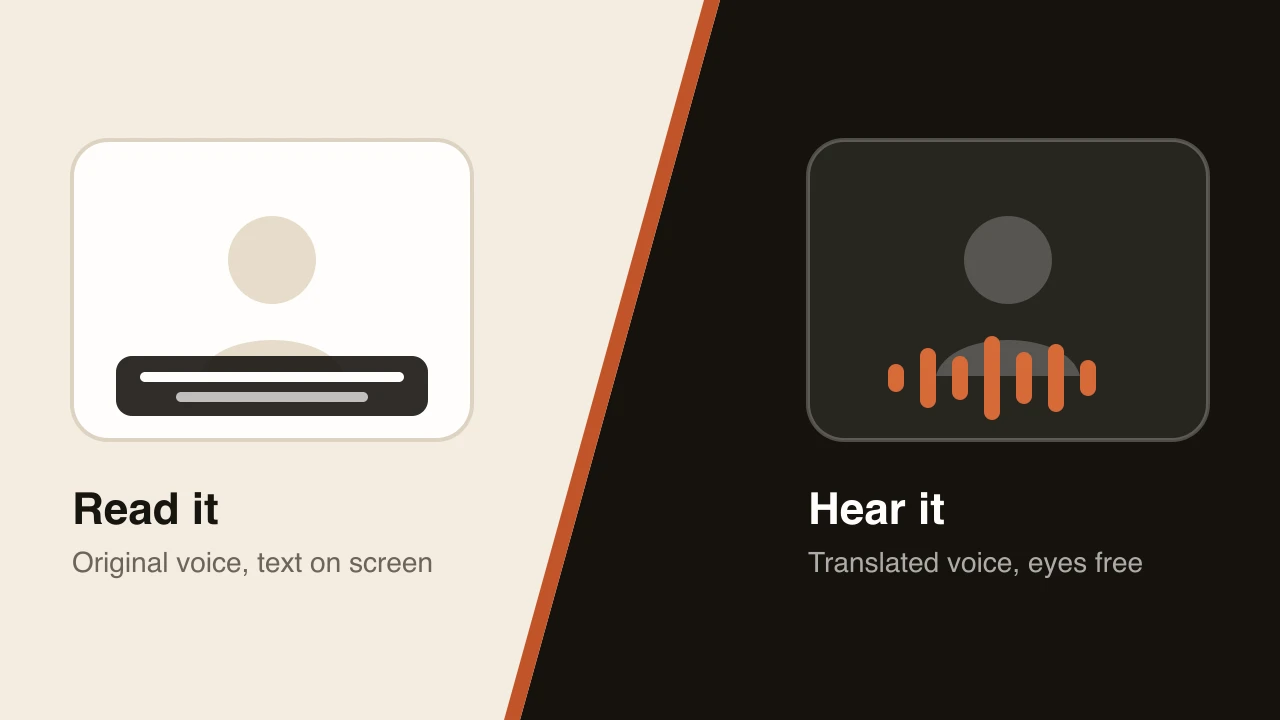
1. Caption and subtitle translators. They transcribe your video and translate the text. You get an SRT or burned-in captions. Cheap, quick, easy to verify. They don’t produce a translated voice.
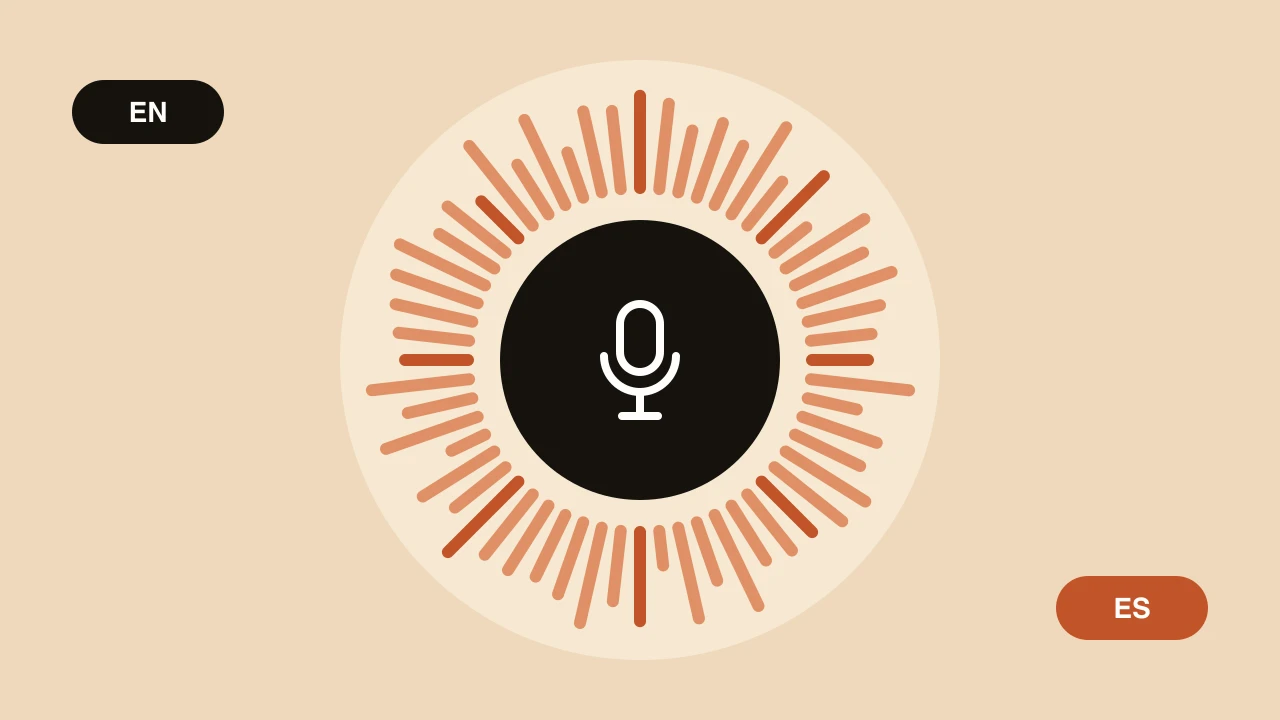
2. Audio dubbing tools. They transcribe, translate and generate a new speech track, usually with voice cloning. Some give you the audio file only, and you assemble the video yourself. Others hand back a finished video.
3. Lip-sync translators. They go further and alter the speaker’s mouth movements to match the new language. This can look striking on a talking head and can look uncanny when it goes wrong. It’s also typically the most expensive category and works best on forward-facing, well-lit footage.
4. Avatar and presenter platforms. These generate a synthetic presenter reading a script. Translation is a feature of a larger video-creation product. If you already have a real person on camera, this usually isn’t what you need.
Know which one you’re shopping for. A tool that’s excellent at captions may be useless if you need a voice, and a lip-sync product is overkill for a screen-recorded tutorial.
What to compare
Once you know the category, these are the criteria that decide whether a tool works for you.
Translation quality in your language pair
Quality varies by language. A tool with a polished Spanish output can be mediocre in Thai. Ignore the headline language count and test the specific languages you need. Our own users say as much: one filmmaker told us French came out great while Mandarin needed tweaks. That’s normal, and any honest vendor should say the same.
Voice quality and cloning
Listen for whether the voice sounds like the original speaker, whether it holds up over several minutes, and whether it handles emotion. Short demo clips flatter every product. Try a full five-minute section.
Editing
This is the criterion we’d weight most heavily. Every tool makes mistakes. What matters is how painful it is to fix them. Can you edit a single line and regenerate only that line? Or do you re-run the whole video? A tool with a good editor beats a slightly better model with no way to correct it.
Terminology control
If you say the same product names and technical terms often, can you tell the tool how to translate them? Glossary support is rare enough on cheaper tools that it’s worth asking about directly. We wrote more about why terminology breaks and how glossaries help.
How pricing is counted
This is where surprises hide. Check these:
- Is pricing per minute of video, per minute per language, or in credits shared across features?
- Does dubbing into three languages count as one job or three?
- Is lip-sync included or an add-on?
- Are there watermarks or length limits on lower plans?
- Do unused minutes roll over?
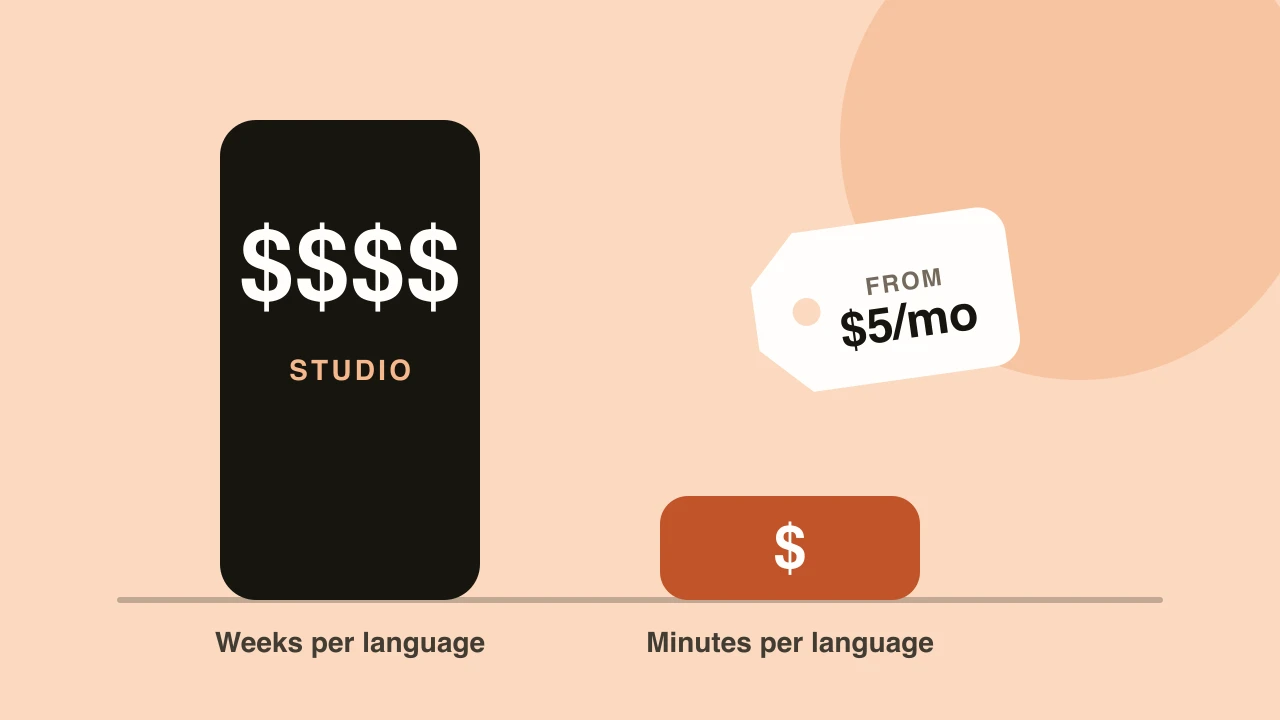
A tool that looks cheap per minute can cost more once you multiply by languages and re-runs. We go through the arithmetic in how much video dubbing costs.
Turnaround and limits
Minutes or hours? Maximum file length? Can you import from a link? Is there an API if you want to automate it later?
Data and rights
Read what the terms say about your content and any cloned voices. Who owns the output? Is your footage used for training? For corporate or client work, this is a requirement, not a nice-to-have.
A test you can run yourself
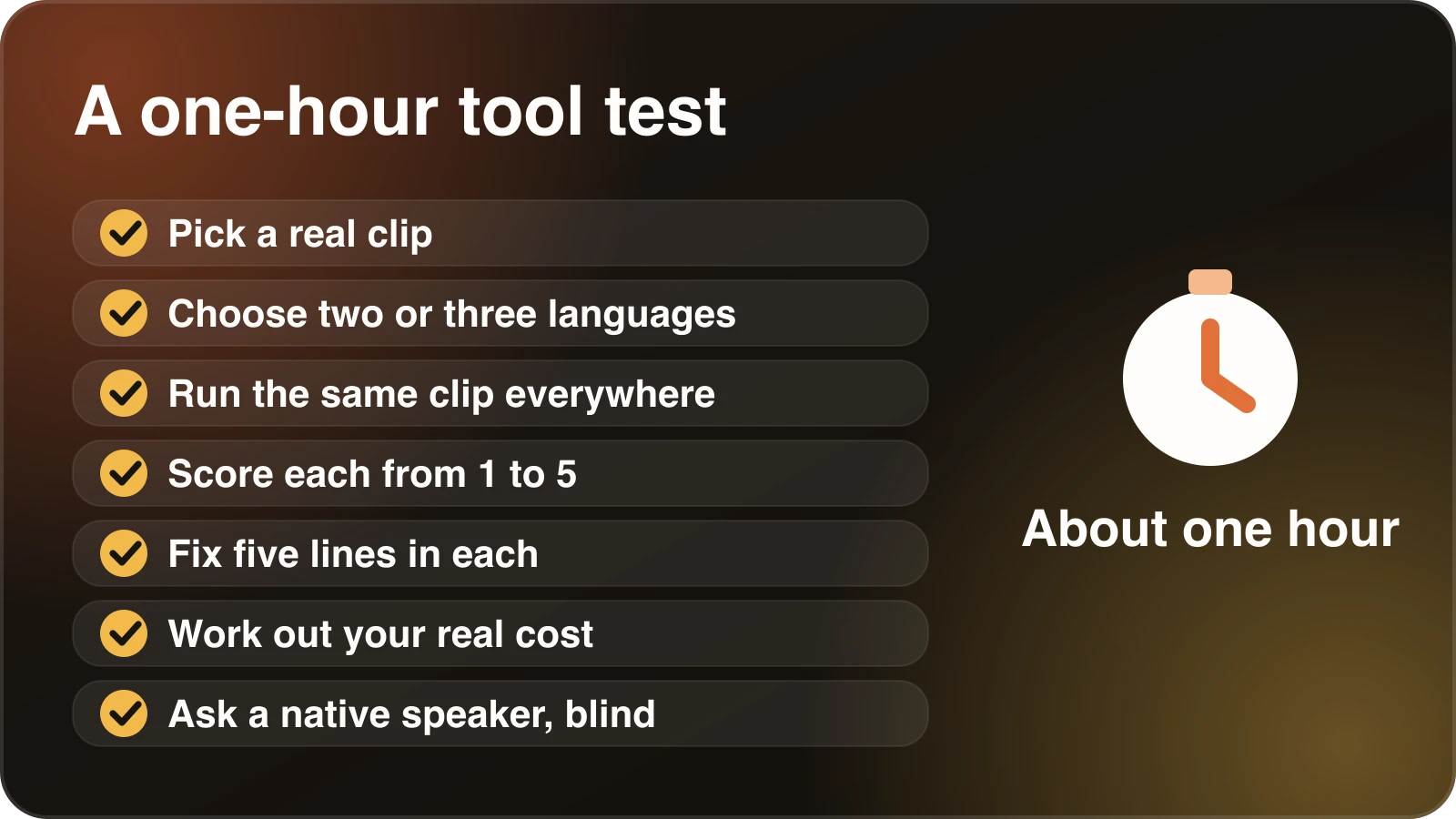
This takes about an hour and tells you more than any review.
1. Pick a representative clip. Two to five minutes of your real content, not a demo video. Include at least one product name, one number, one joke or idiom, and a stretch with background noise.
2. Choose two or three languages that matter to you. Include one you can evaluate yourself or have a native speaker friend for.
3. Run the same clip through two or three tools. Use free trials. Note any limits you hit.
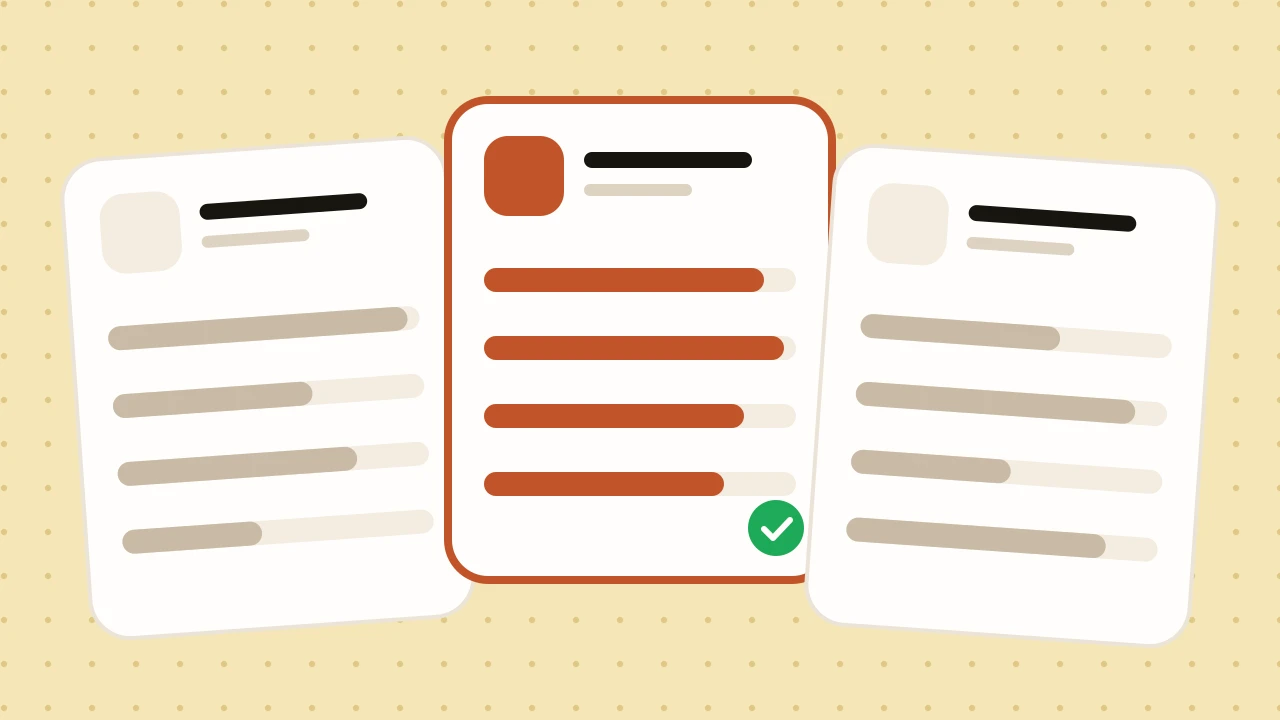
4. Score each on the same sheet. Rate from 1 to 5: accuracy of meaning, naturalness of speech, voice similarity, pacing, handling of names and numbers.
5. Fix five lines in each. Pick five lines you consider wrong and correct them. Time how long it takes and how annoying it is.
6. Calculate your real cost. Multiply your expected monthly minutes by languages, add re-runs, and price it against each plan.
7. Ask a native speaker to listen blind. Don’t tell them which tool made which version. Ask which they’d rather watch.
That blind listen is the step people skip and the one that matters most. Reviewers who don’t speak the language tend to reward polish. Native speakers notice stiffness.
Where Dubtitle fits
We’ll be plain about it. Dubtitle is an audio dubbing tool, the second category. It transcribes, translates into 84 languages, and generates a dubbed track with voice cloning, producing a finished video. In Studio you can edit any line of the translation and regenerate only what you changed. Custom translation glossaries are available from the Creator plan up. Plans run from $5 to $99 a month, laid out on the pricing page.
What we don’t do: we don’t alter lip movements, and we aren’t an avatar platform. If you need lip-sync on a close-up talking head, you should shop in that category. If you want a clean, editable dub of tutorials, courses, interviews or channel videos, that’s the job we built for. Our AI dubbing page explains the workflow.
Questions to put to any vendor
Copy these into an email if you’re buying for a team.
- Which of my target languages are strongest and which are weakest?
- How are minutes counted when I dub into multiple languages?
- Can I edit and regenerate individual lines?
- Can I define how specific terms are translated?
- Who owns the output, and is my content used to train models?
- What happens to my cloned voice if I cancel?
- What are the file length and format limits?
- Is there a refund period? (Ours is 30 days on paid plans.)
Vague answers are an answer.
What we’d avoid
Choosing on language count. A claim of 100+ languages tells you nothing about quality in the one you need.
Choosing on a polished demo. Demos are chosen to look good. Test your footage.
Paying annually before testing. A discount isn’t a discount on a tool you stop using in month two.
Assuming lip-sync is better. It’s different. For many videos, especially anything where the speaker isn’t in close-up, it adds cost without adding value.
Bottom line
The best tool is the one that does well on your footage, in your languages, at a price that holds when you scale. Run the test, keep the scorecard, and revisit it in six months. The market is moving quickly, and the winner of this year’s test may not hold the position next year. If Dubtitle is on your shortlist, you can start a free trial and put it through the same checks as the others.
Frequently asked questions
What is the best AI video translator?
There is no single best one. Tools differ in what they produce (subtitles, voiceover or a full dub), voice quality, editing controls and price. Run the same 60-second clip through two or three tools and judge the results yourself.
What should I look for in an AI video translation tool?
Check the output type, how natural the voice sounds, whether you can edit the translation and timing, glossary support for names and terms, language coverage, pricing per minute, and whether exports carry a watermark.
Are free AI video translators any good?
Free tiers are fine for testing. They usually limit length, add watermarks or cap languages. Use the free tier to judge quality on your own footage, then decide whether the paid plan is worth it.
Can AI translate a video and keep the speaker’s voice?
Yes. Tools with voice cloning generate the translated speech in a voice modelled on the original speaker. Quality depends on the source audio, so clean recordings give the best results.
How do I test an AI video translation tool before paying?
Pick a short clip with clear speech and some names or jargon, run it through each tool, and have a native speaker review the output. The test in this guide walks through it step by step.