How to translate an SRT file
How to translate an SRT file without breaking the timing, what to check after translating, and when dubbing the video is the better choice.
6 min read
An SRT file is a good starting point for translation because the timing is already there. You translate the words, keep the structure, and the new subtitles line up with the video. The risk is in the details: a changed timestamp, a lost blank line or a line that is now too long to read. This guide covers how to translate an SRT file safely.
If you do not have an SRT file yet, start with how to create an SRT file.
What to change and what to leave alone
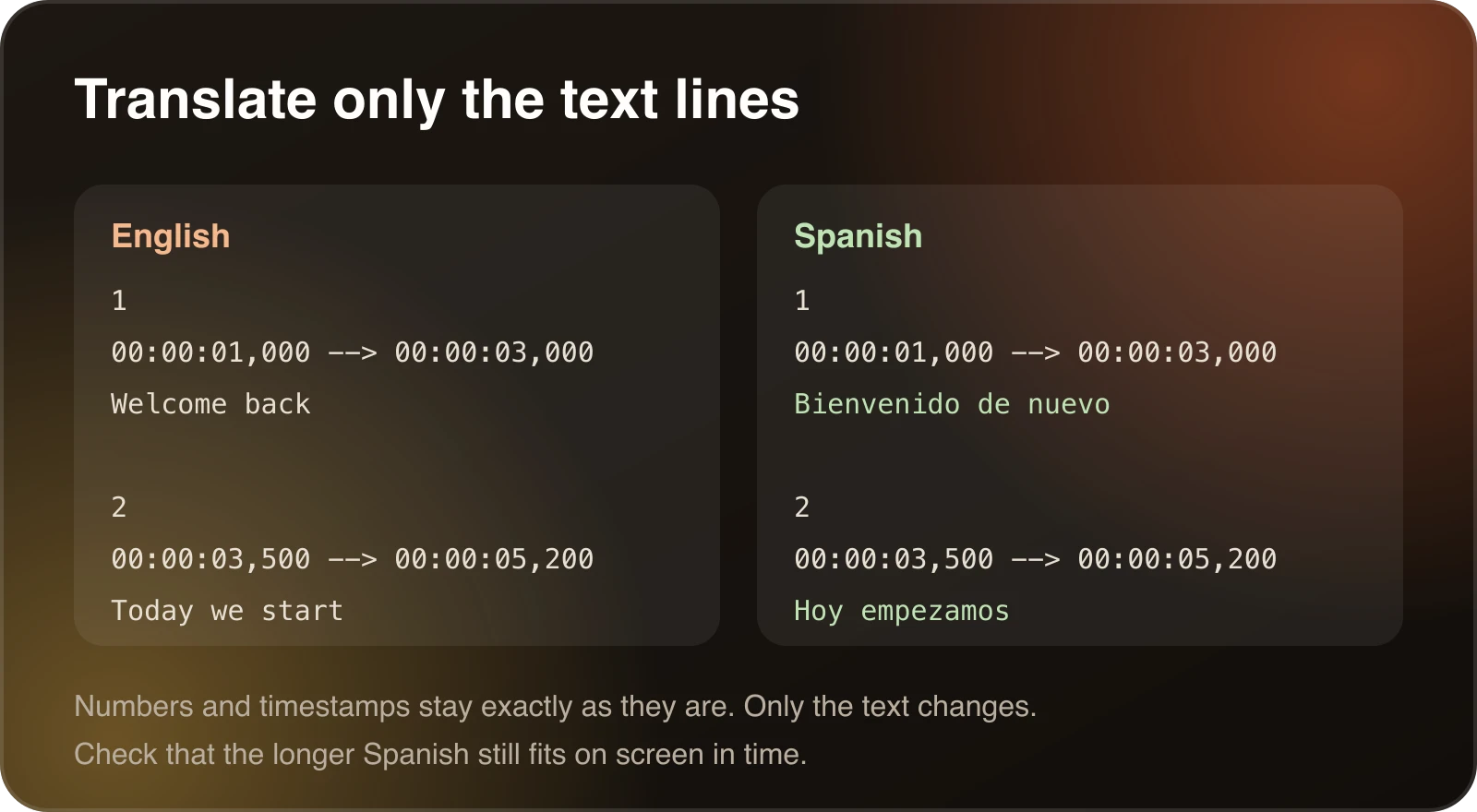
Each block in an SRT file has a counter, a time range and the text. When you translate:
- Change only the text lines.
- Leave the counters and timecodes exactly as they are.
- Keep the blank line between blocks.
If you paste the whole file into a general translation tool, it may rewrite the timestamps or merge blocks. Use a tool that understands subtitle files, or translate only the text and paste it back into the original structure.
Steps
- Keep a copy of the original file.
- Translate the text in each block, keeping the block boundaries.
- Check the structure. Every block should still have a number, a time range, text and a blank line.
- Fix line length and reading speed. See below.
- Save as UTF-8 with the
.srtextension so accented and non-Latin characters display properly. - Test it in a video player next to the video.
Check length and reading speed
A translated sentence is rarely the same length as the original. Spanish, Portuguese and French often run longer than English, while Chinese often runs shorter. After translating:
- Keep lines under about 42 characters, splitting longer ones over two lines at a natural break.
- Aim for no more than about 20 characters per second. If a cue is too fast, shorten the translation or give it more time on screen.
- Make sure cues do not overlap.
The free SRT converter flags long lines, fast reading speed and overlapping cues, and can shift all timings by a fixed amount. It runs in your browser, so the file is not uploaded.
Review like a viewer
Machine translation is a first draft. Read the subtitles from the top and watch for:
- Names and brands that were translated when they should not be.
- Idioms that read as nonsense when translated literally.
- Inconsistent terms. If the same technical word is translated three ways, pick one and apply it everywhere. A translation glossary is the dependable way to do this across many videos.
- Right-to-left languages. If you translate into Arabic or Hebrew, check that your player displays the text and punctuation in the right order.
A worked example in Spanish
Here is a short English block and a careful Spanish version.
3
00:00:07,000 --> 00:00:10,000
It's a piece of cake once you
know where the settings are.
A literal translation would read like nonsense. A good one rewrites the idea and keeps the same timecodes:
3
00:00:07,000 --> 00:00:10,000
Es muy fácil cuando sabes
dónde están los ajustes.
The number, the timestamps and the blank line after the block are unchanged. Only the text moved. The Spanish line is slightly longer, so check that it still fits in three seconds without running too fast.
Translating in a spreadsheet
For a long file, some people extract just the text lines into a spreadsheet, translate that column, and merge it back by line number. This keeps the structure safe, because the timestamps never go through a translation tool. Keep one subtitle per row, do not merge rows and do not reorder them. When you put the text back, check that the number of blocks matches the original.
Different languages, different problems
Languages that run longer. Spanish, Portuguese, French and German often need more characters than English. Shorten the translation instead of speeding up the cue.
Languages that run shorter. Chinese and Japanese can need fewer characters, but readers also take time to parse dense characters. Do not leave a cue on screen for less than about a second.
Right-to-left languages. Arabic and Hebrew need correct punctuation placement. Always test in the player you will publish on.
Languages with different scripts. Make sure the file is saved as UTF-8 and the player has a font that covers the script.
Translating several languages from one file
Keep one clean source SRT as the master. Translate from it each time, and name the files by language code, such as video.es.srt and video.hi.srt. If you edit the source timing later, regenerate the translations from the updated master instead of patching each one. Platforms such as YouTube let you upload one subtitle file per language for a single video.
Which format does your platform want?
Some players and web platforms prefer WebVTT. The converter changes SRT to VTT and back without altering text or timing. The difference between the formats is covered in what an SRT file is.
Common mistakes
- Translating the timestamps. Some tools do this without telling you, so compare the translated file to the original.
- Letting a tool join two blocks into one. The cue then covers a longer time than the speaker took.
- Forgetting to save as UTF-8, so accented letters turn into question marks.
- Translating names that should stay the same.
- Publishing machine translation without anyone reading it.
A quick structural check catches most of these. The SRT converter is a fast way to do it, and it works on your file in the browser.
Checklist before you publish
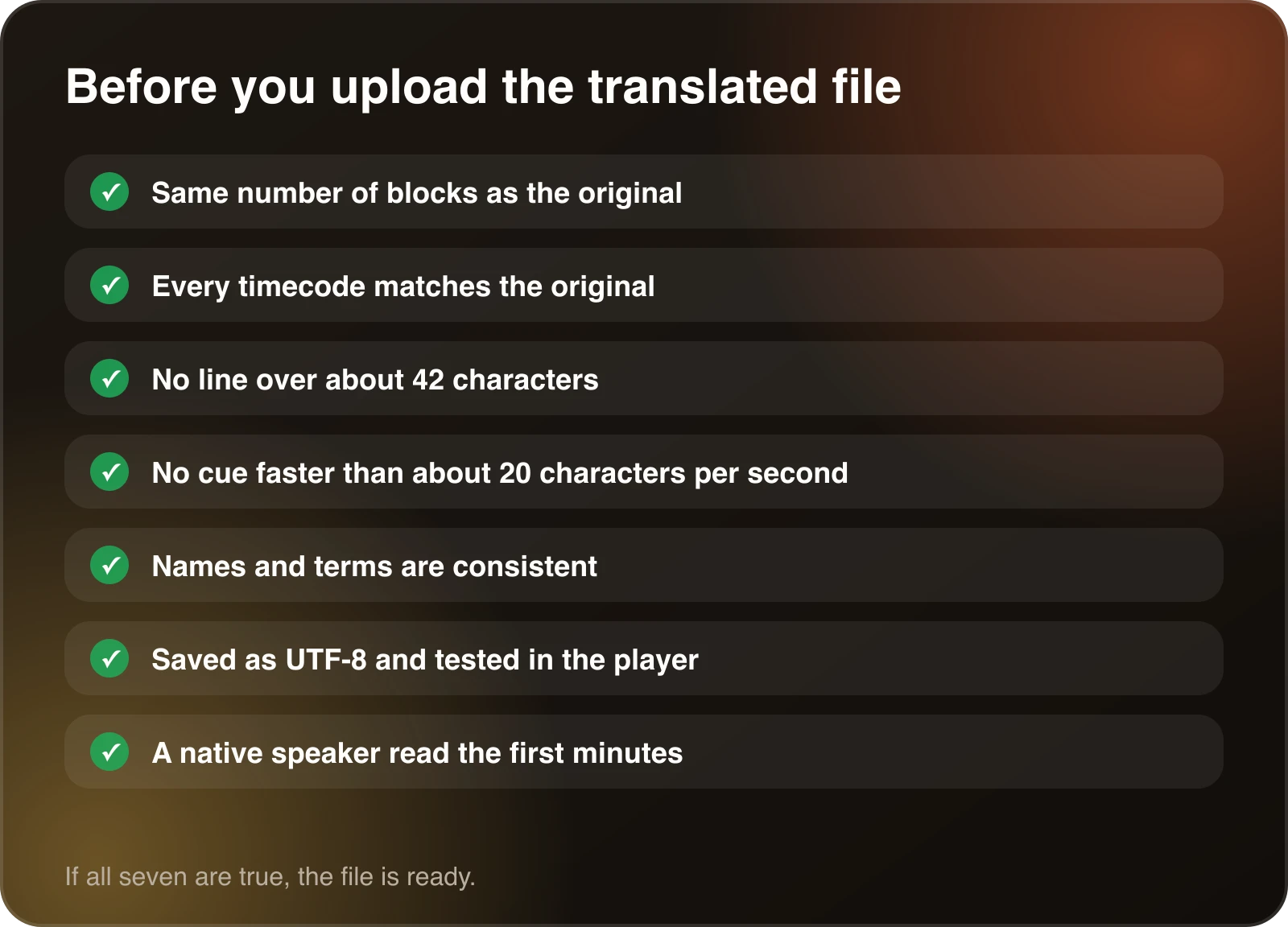
- The translated file has the same number of blocks as the original.
- Every timecode matches the original.
- No line is longer than about 42 characters.
- No cue is faster than about 20 characters per second.
- Names, brands and terms are consistent from start to finish.
- The file is saved as UTF-8 and plays correctly in the target player.
- A native speaker has read at least the first few minutes.
If all seven are true, the file is ready to upload.
When dubbing is the better choice
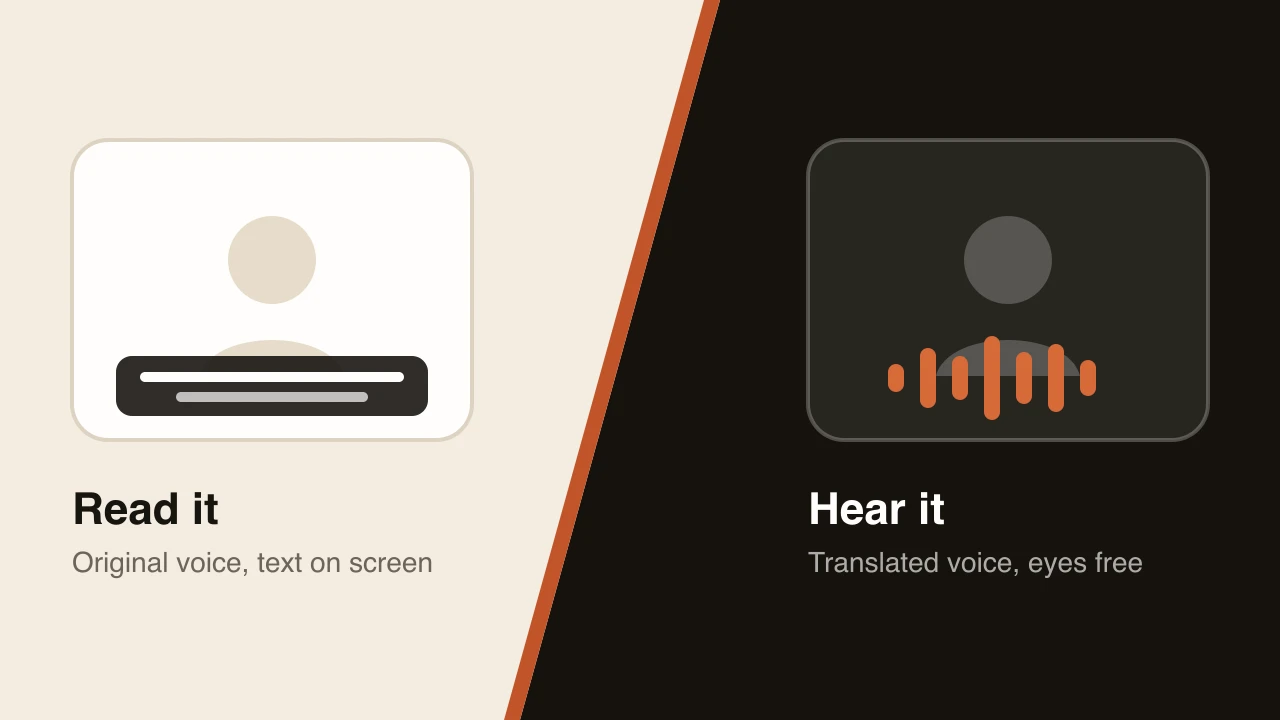
Translated subtitles keep viewers reading. For tutorials, demos and courses, where the picture is the point, a translated voice track often works better. Dubtitle transcribes your video, translates it and generates a dub in the original speaker’s voice, in any of 84 languages, and you can edit the translation in Studio before you download it. The guide on AI dubbing vs. subtitles helps you choose, and how to translate a video into another language covers both routes. Plans start at $5 a month on the pricing page.
Frequently asked questions
How do I translate an SRT file?
Translate only the subtitle text in each block and leave the counters and timecodes unchanged. Then check line length and reading speed, because a translated line is often longer or shorter than the original, and re-save the file as UTF-8.
Can I translate an SRT file with AI?
Yes. Many translation tools can translate subtitle text while keeping the timing. Use a tool that preserves the structure of the file, then read the result for names, jargon and awkward line breaks.
Why does my translated SRT file look wrong?
The usual causes are changed timestamps, missing blank lines between blocks, or the wrong text encoding. Check the structure, and re-save the file as UTF-8.
Should I translate the SRT file or dub the video?
Translate the file if viewers will read subtitles. Dub the video if you want them to listen instead. Dubtitle dubs the video itself, and the guide on AI dubbing vs. subtitles helps you choose.
Do translated subtitles need different timing?
Often, yes. Some languages run longer than English, so a line may need more time on screen or a split across two lines. Check the reading speed after translating.
Table of contents (12)
- What to change and what to leave alone
- Steps
- Check length and reading speed
- Review like a viewer
- A worked example in Spanish
- Translating in a spreadsheet
- Different languages, different problems
- Translating several languages from one file
- Which format does your platform want?
- Common mistakes
- Checklist before you publish
- When dubbing is the better choice